 FreeTesla factory
Free Tesla wrap PNGs
Choose your exact vehicle, then download a free factory design or blank canvas. No account or credits needed. These PNGs customize the on-screen vehicle, without changing physical paint.
Match the model year, trim and body mapping. A flat preview here does not establish testing on your vehicle. Read the import guide
Model 3
Model 3 2020+ Standard / Premium
2020+ · Standard / Premium · 1024 × 1024 PNG
FreeTesla factoryFinished factory design · download the original PNG
View all 21 free files for this variantModel 3 2024+ Standard / Premium
2024+ · Standard / Premium · 1024 × 1024 PNG
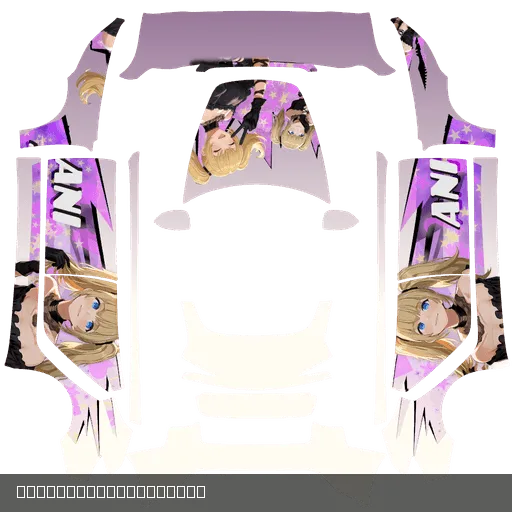 FreeTesla factory
Model 3 · PAINT SHOP
Model 3 (2024+) Standard & Premium · Ani
Model 3 2024+ Standard / Premium
Forge Admin00
Finished factory design · download the original PNG
View all 21 free files for this variantModel 3 2024+ Performance
2024+ · Performance · 1024 × 1024 PNG
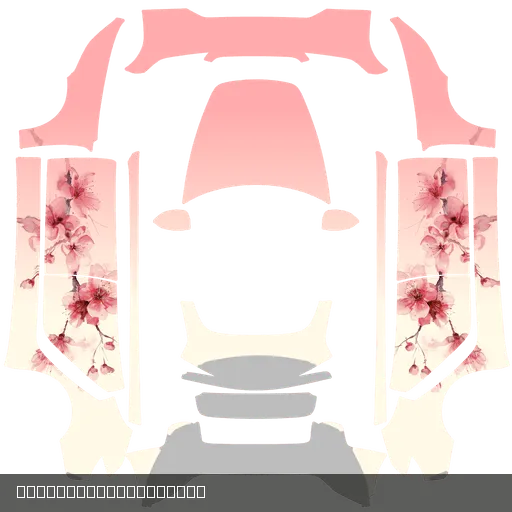 FreeTesla factory
Finished factory design · download the original PNG
View all 21 free files for this variantModel Y
Model Y 2025 Premium
2025+ · Premium · 1024 × 1024 PNG
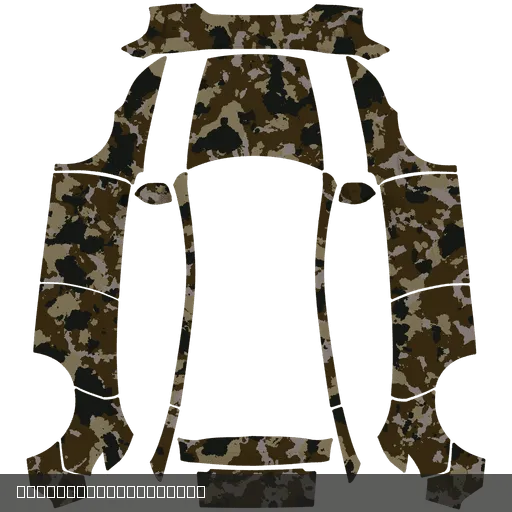 FreeTesla factory
Finished factory design · download the original PNG
View all 21 free files for this variantModel Y 2025 Standard
2025+ · Standard · 1024 × 1024 PNG
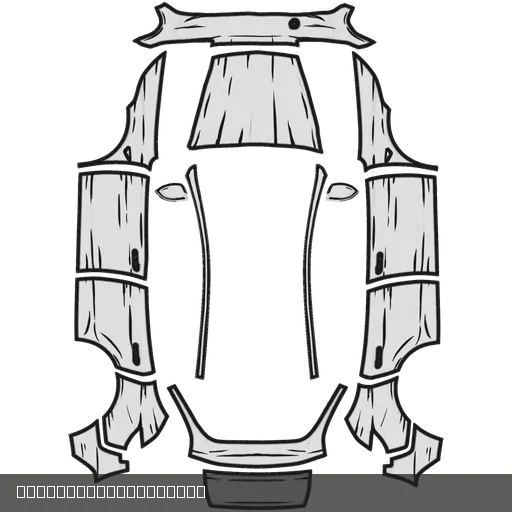 FreeTesla factory
Finished factory design · download the original PNG
View all 21 free files for this variantModel Y
2021+ · 1024 × 1024 PNG
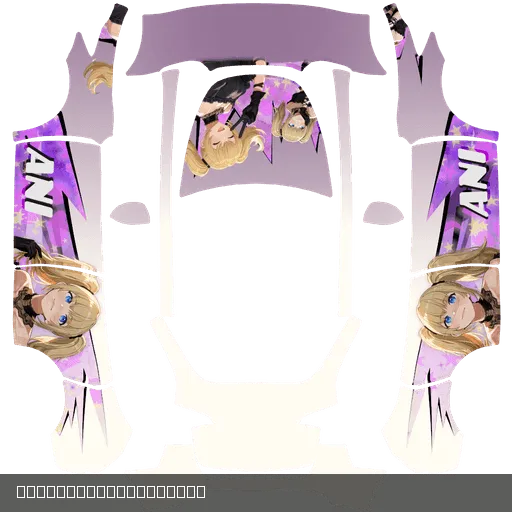 FreeTesla factory
Finished factory design · download the original PNG
View all 21 free files for this variantModel Y 2025+ Performance
2025+ · Performance · 1024 × 1024 PNG
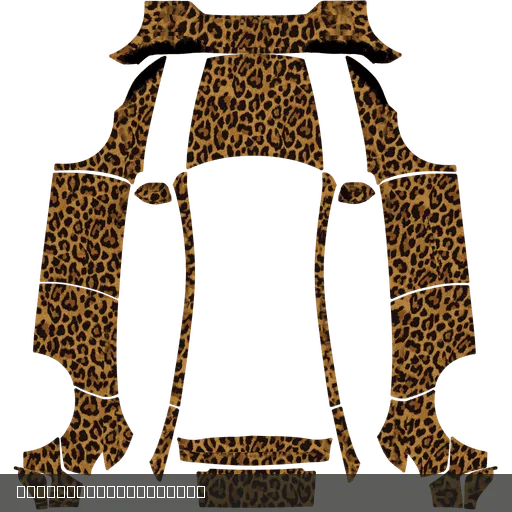 FreeTesla factory
Finished factory design · download the original PNG
View all 21 free files for this variantModel Y 2025+ L
2025+ · L · 1024 × 1024 PNG
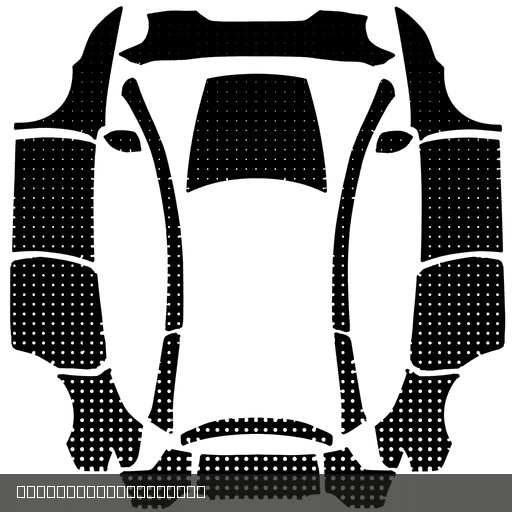 FreeTesla factory
Finished factory design · download the original PNG
View all 21 free files for this variantModel S
Model S
2021+ · 1024 × 1024 PNG
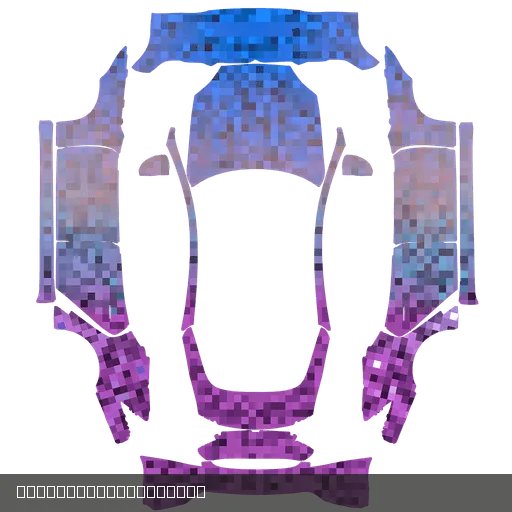 FreeTesla factory
Finished factory design · download the original PNG
View all 21 free files for this variantModel S 2025+ Plaid
2025+ · Plaid · 1024 × 1024 PNG
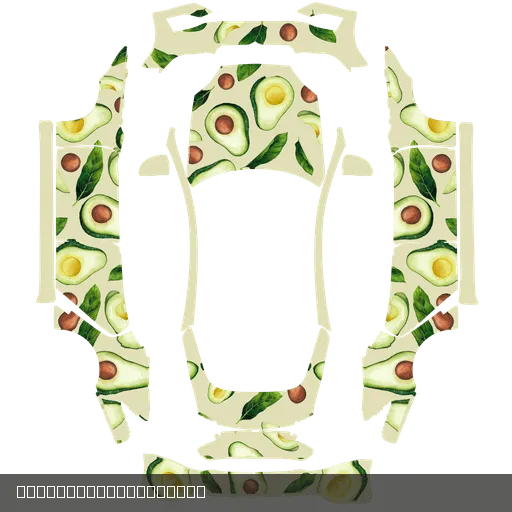 FreeTesla factory
Finished factory design · download the original PNG
View all 22 free files for this variantModel X
Model X
2021+ · 1024 × 1024 PNG
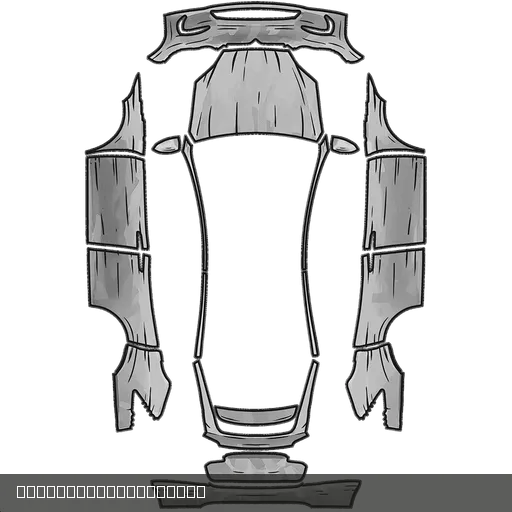 FreeTesla factory
Finished factory design · download the original PNG
View all 21 free files for this variantFree download and import questions
- Which Tesla PNG files are free?
- This page lists approved, free Tesla factory designs and blank canvases with an original file available. Finished designs are ready to download and import using the guide. Blank canvases are for making your own artwork. Other designs show their credit price on the detail page.
- How do I choose the right model, year and trim?
- Match the exact variant listed with each file to Tesla’s corresponding canvas. A shared family or image size does not establish matching body mapping. Do not choose by delivery year alone.
- Do guests need an account or credits to download?
- Guests can download the free files on this page without registering, buying credits or spending credits. Use the download button on an artwork card. Report download problems from its detail page.
- Is the preview the same as the original PNG?
- Cards and flat previews help you inspect the artwork. Import the original PNG supplied by the download button, rather than a thumbnail, screenshot or compressed image.
- How do I import with the Tesla app or a USB drive?
- Tesla describes upload in app 4.59.0+ through Creations → Wrap → Upload, or PNGs in a Wraps folder at the USB drive root. Apply in Toybox → Paint Shop → Wraps. Check vehicle, region and software support first; see the guide and official instructions for file and drive requirements.
- Will these PNGs change my car’s physical color?
- No. They customize the vehicle visualization on screen, rather than physical paint or vinyl. Our thumbnails and flat previews do not establish testing on your vehicle or guarantee feature support. WrapForge is independent and is not affiliated with or endorsed by Tesla.
Import reference: Tesla’s official Custom Wraps instructions · Reviewed: 。Full app / USB guide