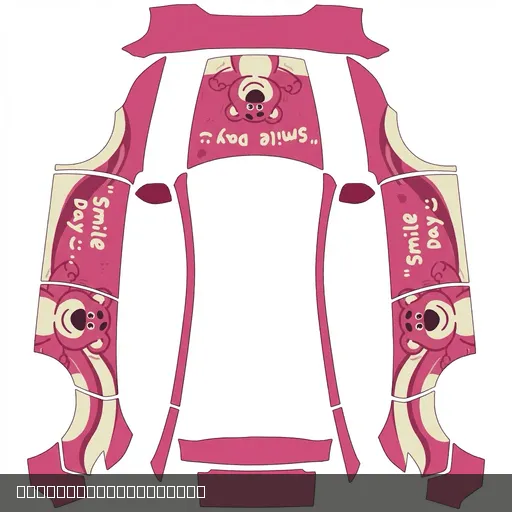
 10 credits
Find your next
Tesla Paint Shop wrap.
PNG designs for your on-screen Tesla. Choose your exact vehicle, then find a look you love.
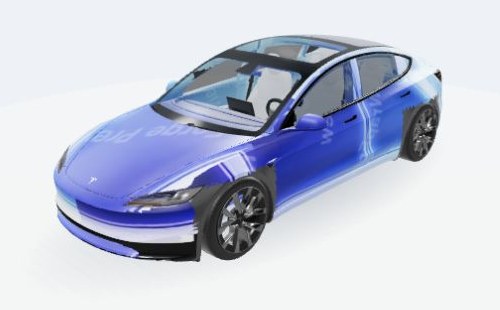
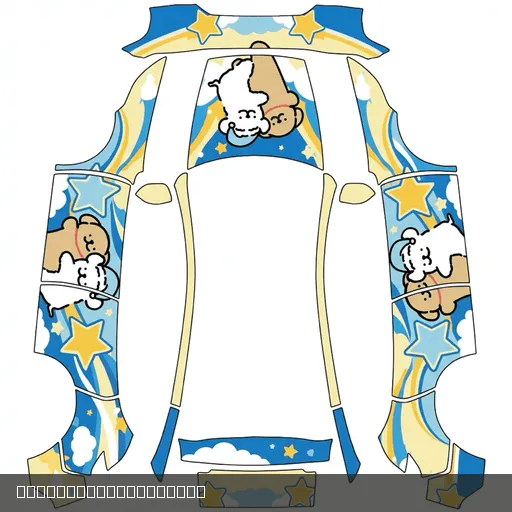
Blue-violet Neon
Model 3 2024+ Standard / Premium · 10 credits
Approximate wrap projection for style reference. Check the final result in your vehicle’s Paint Shop. Model credits
Find a design for your vehicle
Share a design10 credits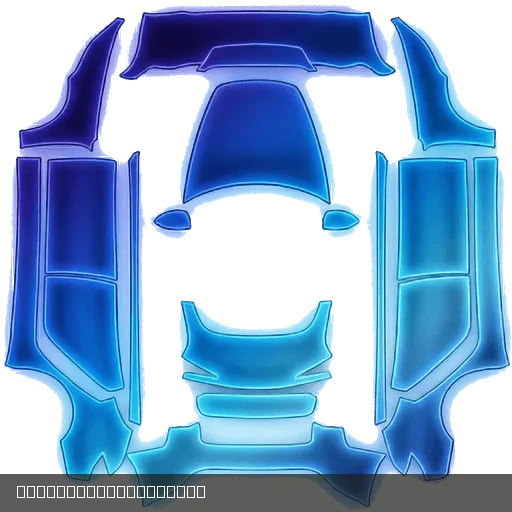 10 credits
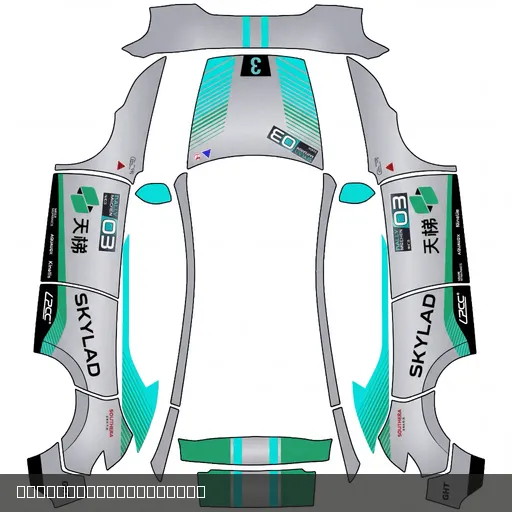 10 credits
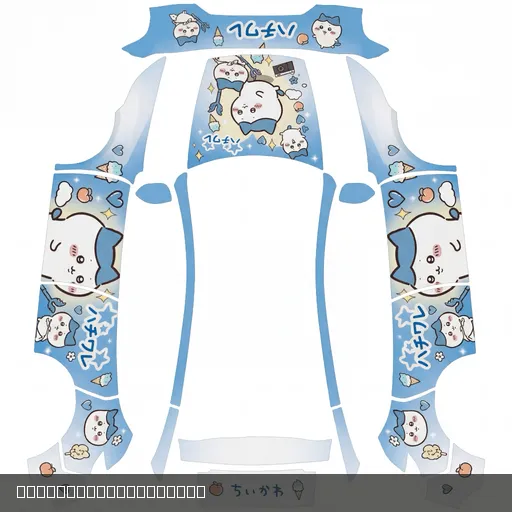 10 credits
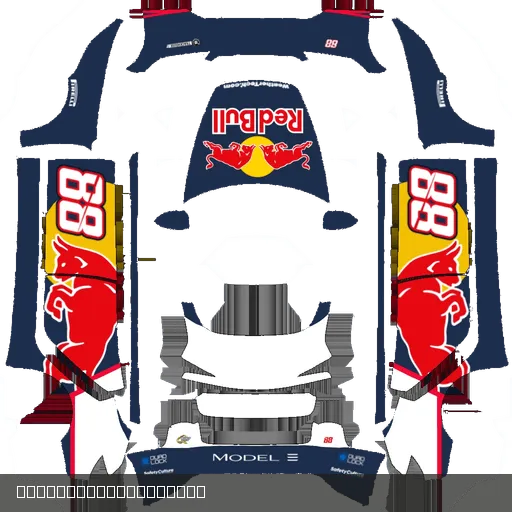 10 credits
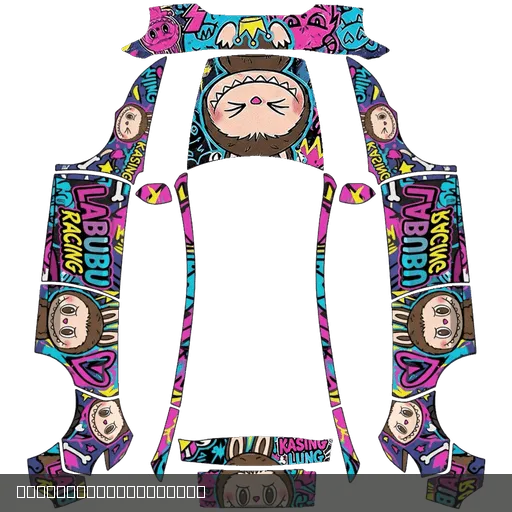 10 credits
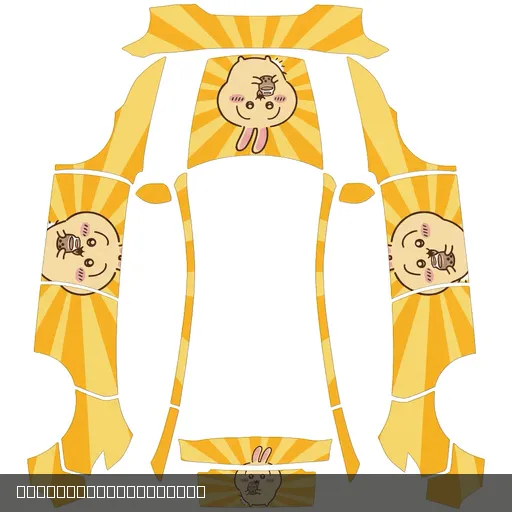 10 credits
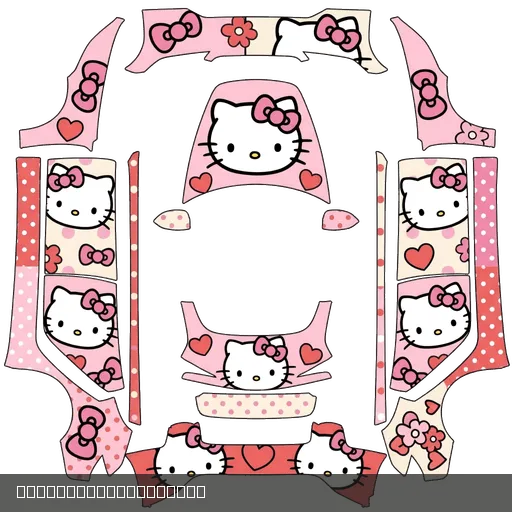 10 credits
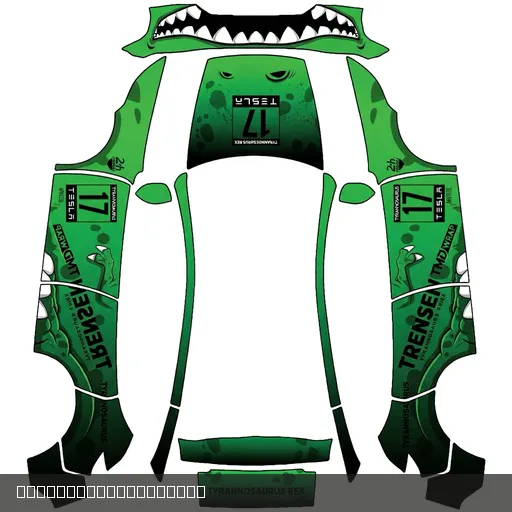 10 credits
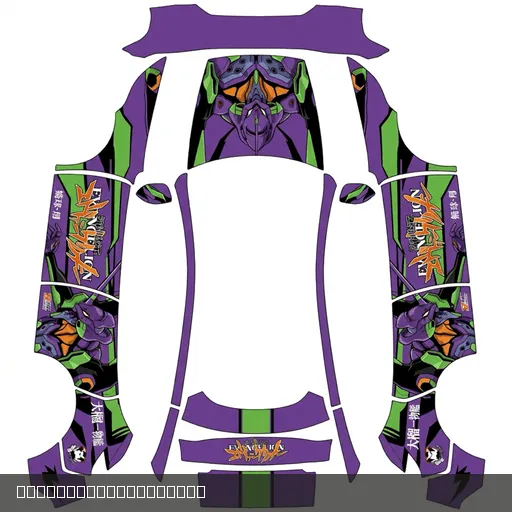 10 credits
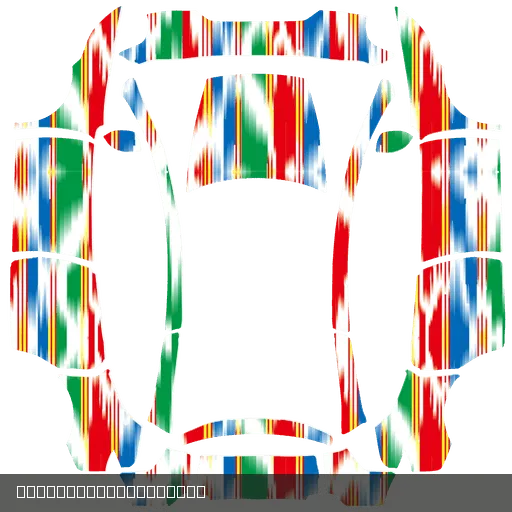 10 credits
 10 credits
- 1,461
- wrap designs
- 232
- free factory designs
- 11
- vehicle variants
How it works
Full guide ↗01Pick your model
Every template is sized exactly for your vehicle's Paint Shop canvas.
02Download or unlock
Free templates download instantly. Premium designs cost a few credits.
03Apply in Paint Shop
Import the PNG with the mobile app or a USB drive and enjoy your new look.
Good designs deserve to be seen
Share your finished Paint Shop design, or start with our online editor.
Find Tesla wrap templates by vehicle
Model Y, Model 3, Model S, Model X: choose the exact variant to browse matching Paint Shop PNGs.
Model Y 2025 Standard wrap templates Model Y 2025 Premium wrap templates Model 3 2020+ Standard / Premium wrap templates Model 3 2024+ Standard / Premium wrap templates Model 3 2024+ Performance wrap templates Model Y wrap templates Model Y 2025+ Performance wrap templates Model Y 2025+ L wrap templates Model S wrap templates Model S 2025+ Plaid wrap templates Model X wrap templates
Download, install and troubleshoot your wrap
How to Import Tesla Paint Shop Wraps: App and USB Guide
Choose the correct vehicle canvas, save the original PNG and import through Tesla Creations or a USB drive.
Read guide →Which Model Y Wrap Template Fits? Legacy, 2025 Trims and L
Check the exact vehicle and official canvas instead of assuming equal image sizes are interchangeable.
Read guide →Tesla Paint Shop PNG Requirements: Size, Filename and Canvas
Distinguish website uploads from the final vehicle PNG and check the 1 MB limit, filename and exact canvas.
Read guide →Tesla Wrap Files Not Showing: App and USB Checklist
Check the upload menu, original PNG, Wraps folder, USB format and data-capable port in order.
Read guide →Tesla Paint Shop questions
Are Tesla digital wraps the same as physical vinyl wraps?
These PNG designs change the vehicle visualization in Tesla Paint Shop. They do not change your car’s physical paint and are not vinyl wrap products.
Learn about digital wraps →Where can I download free Tesla Paint Shop templates?
Tesla factory designs and blank canvases in the library are free. Choose your exact vehicle, year and trim before downloading a PNG. Other designs show their credit price on the detail page.
Browse free factory designs →Can Model Y and Model 3 use the same wrap template?
Matching image dimensions do not guarantee matching body mapping. Use the template for your exact vehicle variant to avoid stretched patterns or misplaced details.
Choose your vehicle template →How do I import a custom PNG into Tesla Paint Shop?
Follow the guide to upload through Creations in the Tesla app, or place the PNG in a Wraps folder at the root of a USB drive. Then select it in the car’s Toybox → Paint Shop. Availability depends on vehicle, region and software version.
Read the app and USB instructions →